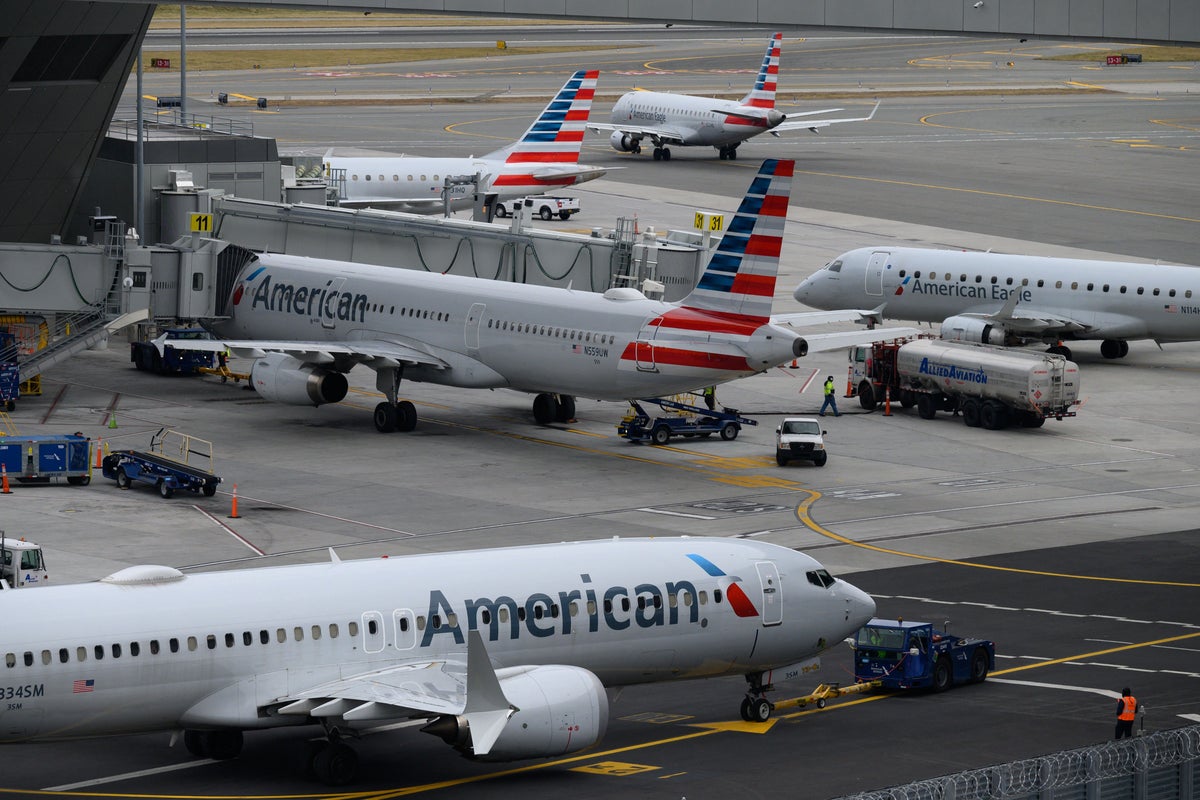
Planes sit frozen at gates. Mobile apps crash. Thousands of passengers stare blankly at departure boards that suddenly mean nothing.
On Tuesday evening, the Federal Aviation Administration slapped a nationwide ground stop on all American Airlines departures. Why? A sudden systemwide IT outage crippled internal infrastructure, booking engines, and customer support lines.
If you travel often, you've seen this movie before. It's messy. It's stressful. And honestly, it's becoming way too normal.
What Actually Happened During the Ground Stop
The disruption hit right around 6:30 PM Eastern Time. Connectivity failed across multiple internal systems. Check-in kiosks stopped responding. Website portals threw error codes. Customer service phone lines went dark.
The FAA acted fast. They ordered a complete hold on any American Airlines flight that hadn't left the gate yet. Airborne planes stayed safe in the sky, but anything waiting on the tarmac stayed put.
"We put a temporary ground stop in place while our teams worked to resolve the issue," the airline stated online as frustrated travelers flooded social media with complaints.
💡 You might also like: high rock lake water level
Tech teams managed to bring systems back online within an hour. The ground stop lifted shortly after 7:30 PM, and planes started pushing back from gates again. But the quick fix doesn't erase the underlying vulnerability.
The Fragility of Modern Aviation Tech
We expect modern airlines to operate like clockwork. They run on complex digital frameworks handling millions of bookings, baggage tags, and crew schedules every single day.
When one central server or vendor platform glitches, the whole house of cards wobbles.
Think about what depends on a working app or database. Pilots need flight plans. Gate agents need seat maps. Maintenance crews need tracking logs. Strip away digital connectivity, and airlines are basically flying blind by choice. Safety rules dictate that if the tech isn't talking, the plane doesn't roll.
How to Protect Your Itinerary When Systems Crash
You can't stop an IT crash from happening. But you can survive one without losing your sanity.
- Download the airline app early: Do it days ahead, not at the gate when cell towers are congested and Wi-Fi is failing.
- Turn on push notifications: Automated alerts often hit your phone before gate agents can announce changes over scratchy loudspeakers.
- Know the backup channels: If the app dies, use alternative customer service methods like direct messaging on verified social channels or calling international support lines where hold times are shorter.
- Build buffer time into tight connections: A one-hour layover turns into a missed trip the second a system crash halts departures.
Technology will fail again. It's just a matter of when. Keep your eyes open, pack your patience, and don't assume your next flight leaves on time just because the weather is clear.